

Wide shot of a quiet GP consulting room, a practitioner seated at a desk reviewing patient notes on a monitor, even indoor window light from the left, papers and a keyboard visible in the foreground, no patient present
— How It Works

AI that fits inside the workflow you already have

TwinGP connects to your existing clinical system, reads your practice protocols, and surfaces AI assistance inside the tools your team already has open. No parallel platform. No duplicate data entry.
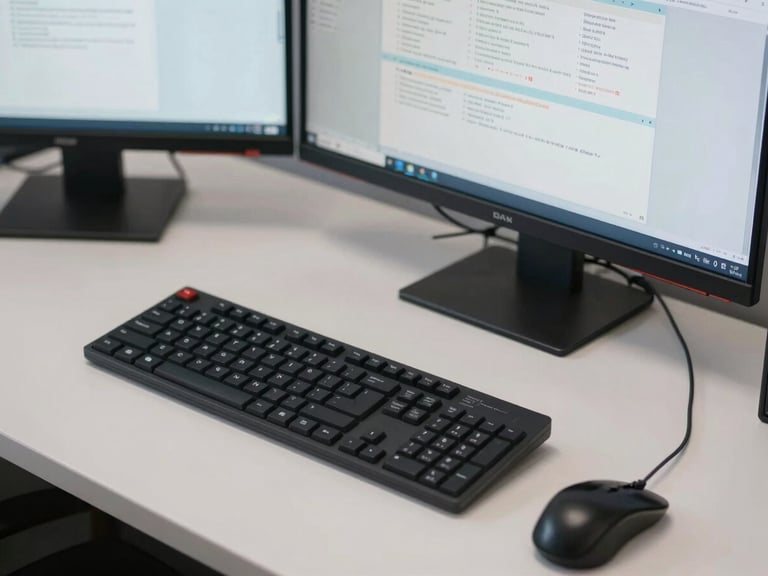
Close-up overhead shot of a GP's desk with a keyboard, mouse, and two monitors showing clinical software interfaces, even fluorescent and window light, no people, clean and functional workspace
Medium shot of a practice manager at a desk reviewing a printed protocol document alongside a laptop screen, indoor office light, focused and quiet atmosphere, no distractions in frame
Close-up of a GP's hands typing on a keyboard, a clinical software screen visible in soft focus behind, natural indoor light from a window to the right, calm and concentrated
/ Three steps, no surprises

Adoption that fits your practice

Step one

Connect to your clinical system

TwinGP integrates directly with the clinical software your practice already runs — EMIS, SystmOne, or others. There is no parallel platform and no migration of patient data.

Step two

It reads your protocols, not a generic template

Before going live, TwinGP ingests your practice's own clinical protocols. It applies your decision logic — not an off-the-shelf ruleset — so every suggestion reflects how your surgery actually works.

Step three

Assistance surfaces inside tools already open

Your team sees AI suggestions within the interface they already use. No new tab, no separate login. Staff adoption is frictionless because nothing about their routine changes.
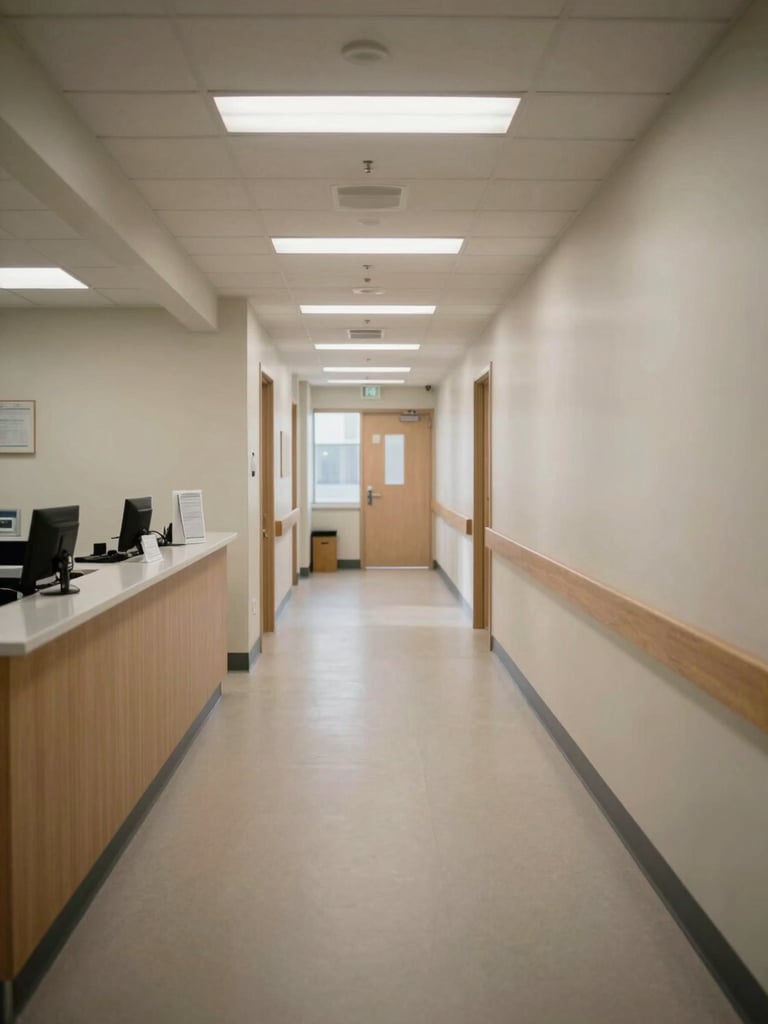
Wide panoramic shot of a GP surgery reception corridor, empty, overhead fluorescent lighting with soft daylight from a side window, neutral walls and a workstation visible to the left third, generous negative space on the right
+ System-native by design

Works with the systems you already run

TwinGP is built to integrate with EMIS Web, SystmOne, Vision, and other primary care platforms used across the UK, AU, NZ, CA, and US. Your data stays in your system.

Setup is handled by our integration team. Most practices are live within one working week, with no disruption to clinical sessions.

See it running inside your workflow

A 20-minute walkthrough is enough to see exactly how TwinGP fits your setup. No sales pitch — just the mechanics, in your context.